

Disclosure: some links on this page are affiliate links. If you buy through them we may earn a commission at no extra cost to you. It never changes our verdicts. Read our affiliate disclosure.
This guide is based on research of each tool’s official features and pricing, checked on 2 November 2026. We haven’t run long-term hands-on tests yet. See how we review tools.
Quick answer
For most plumbers who want a simple, low-cost site that gets the phone ringing, Hostinger Website Builder is the cheapest place to start, with paid plans listed from $2.49 a month on a 48-month term. If you want online booking built into the plan, Wix lists “Scheduling and services” on its Core plan and above. If you care most about polished design and a tap-to-call bar on mobile, Squarespace includes a mobile information bar from its Core plan.
None of these is “the best” for every plumber. The right pick depends on whether you need bookings, how much you want to spend each year, and how much time you have to build the site yourself.
[AFFILIATE: Hostinger] Visit Hostinger
What a plumbing website actually needs to do
A plumber’s website is not a portfolio. It is a lead machine. Most visitors arrive on a phone, often with a leak or a broken boiler, and they want three things fast: are you local, are you available, and how do I call you. Before comparing builders, here is the checklist we used to judge them.
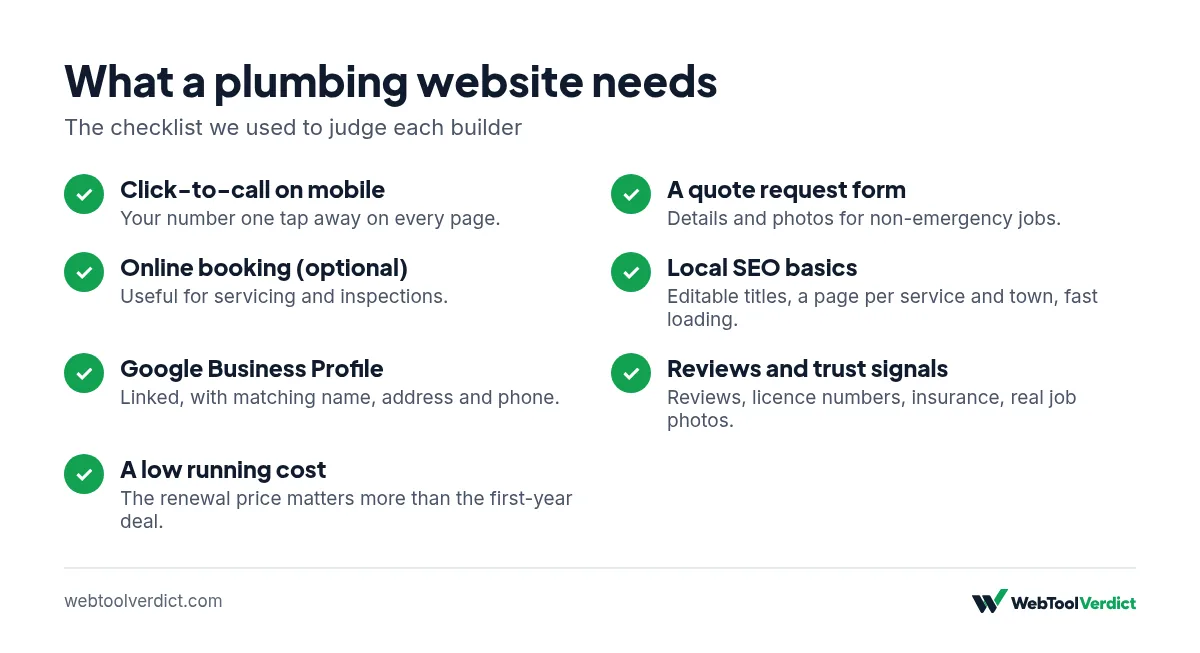
- Click-to-call on mobile. Your phone number should be one tap away on every page, ideally fixed to the screen.
- A quote request form. For non-emergency jobs, such as a bathroom refit, people want to send details and photos rather than call.
- Online booking (optional). Useful for routine work like servicing or inspections, less so for emergencies.
- Local SEO basics. Editable page titles and descriptions, a page for each service and each town you cover, and fast loading.
- Google Business Profile. This is separate from your website and free from Google, but your site should link to it and match its name, address and phone number exactly.
- Reviews and trust signals. Space for customer reviews, licence or registration numbers, insurance details and photos of real jobs.
- A low running cost. Many sole traders pay for the site out of their own pocket, so the renewal price matters more than the first-year deal.
Comparison table
| Feature | Hostinger Website Builder | Wix | Squarespace |
|---|---|---|---|
| Lowest paid plan (as listed) | $2.49/mo (Premium, 48-month term) | see Wix’s current plans (prices vary by country) | $19/mo billed annually (Basic) |
| Renewal price shown | $10.99/mo (Premium) | see Wix’s current plans (prices vary by country) | Annual vs monthly shown ($25/mo monthly) |
| Free plan | No (30-day money-back guarantee) | Yes | No (14-day free trial) |
| Built-in booking | Not listed on the pricing page | “Scheduling and services” on Core and above | Not listed as a core feature on the pricing page; check integrations |
| Mobile call bar | Not listed on the pricing page | Not listed on the pricing page | Mobile information bar on Core and above |
| Free domain | Yes, listed with plans | Free domain for 1 year | 1 year free on annual plans |
| Business email | Mailboxes listed per website, free for 1 year | Via Google Workspace (paid) | 1 Google Workspace account free for first year on Core and above |
Prices are in USD as shown on each vendor’s site; UK and Australian prices may differ and can include VAT/GST. Checked 2 November 2026, before tax. Sources are listed at the end of this page.
Hostinger Website Builder: best for a low-cost starter site
What it costs
Hostinger lists its Premium plan at $2.49 a month when you pay $119.52 upfront for 48 months, renewing at $10.99 a month for the same term. The Business-level “Unlimited” plan is listed at $3.49 a month ($167.52 for 48 months), renewing at $16.99 a month. The page also states a 30-day money-back guarantee and “300+ drag-and-drop templates”.
Why it suits plumbers
The main draw is cost. A one-van plumbing business that just needs a home page, a services page, a few area pages and a contact form can get online for less than the price of one call-out a year. Hostinger’s plans also include email mailboxes for a year, so you can use a name@yourbusiness.com address on your van and quotes instead of a free webmail address.
Watch out for
The headline price depends on paying for four years upfront. Look at the renewal price ($10.99 a month for Premium) and budget for that, not the introductory price. Hostinger’s pricing page doesn’t list a booking tool or a fixed mobile call bar, so if you need those, check with Hostinger before you buy.
[AFFILIATE: Hostinger] Visit Hostinger
Wix: best if you want bookings in one place
What it costs
Wix has a free plan with Wix branding and paid plans named Light, Core, Business and Business Elite. Wix states that “prices and currency vary by location”, so see Wix’s current plans (prices vary by country). Wix offers a 14-day money-back guarantee on the first Premium upgrade.
Why it suits plumbers
Wix lists “Scheduling and services” from the Core plan upwards. For a plumber, that means customers could book a boiler service, a drain inspection or a quote visit straight from the site, without paying for a separate booking app. Core also lists “Accept payments”, which could help if you take deposits.
Watch out for
The Light plan does not list scheduling, so if booking is the reason you’re choosing Wix, you’ll need Core or above. The free plan is fine for trying the editor but isn’t suitable for a business site you want customers to trust.
[AFFILIATE: Wix] Visit Wix
Squarespace: best for design and a mobile call bar
What it costs
Squarespace lists four plans: Basic at $19 a month billed annually ($25 monthly), Core at $29 ($39 monthly), Plus at $49 ($65 monthly) and Advanced at $99 ($139 monthly). There is no free plan, but every site starts with a 14-day free trial with no card required.
Why it suits plumbers
From Core upwards, Squarespace lists a mobile information bar, which displays your business information in a banner at the bottom of the mobile site. For a trade business, that is the kind of always-visible contact strip that turns mobile visitors into calls. Core also includes one Google Workspace email account free for the first year, form blocks for quote requests, and code injection if you want to add a live chat or tracking script.
Watch out for
Squarespace is the most expensive of the three for a basic brochure site. The mobile information bar and Google Workspace offer are not on Basic, so most plumbers would need Core at $29 a month billed annually.
[AFFILIATE: Squarespace] Visit Squarespace
How to choose: three quick scenarios
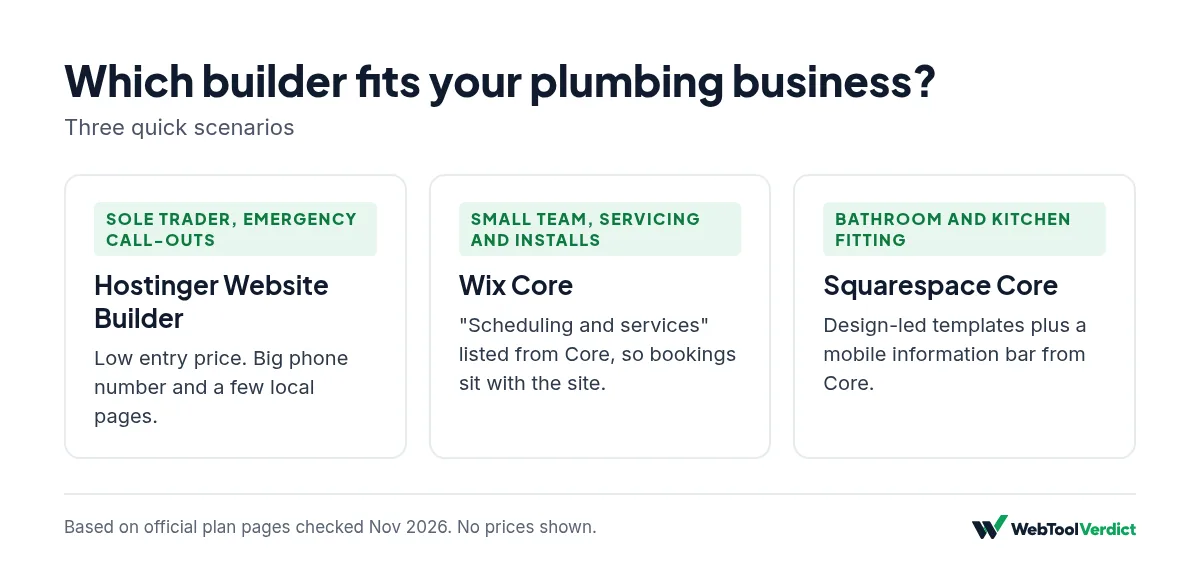
Sole trader, mostly emergency call-outs
You need speed, a big phone number and a few local pages. Hostinger’s low entry price makes sense here. Spend the money you save on getting reviews onto your Google Business Profile.
Small team doing servicing and installs
Routine work like annual boiler or water heater servicing suits online booking. Wix’s Core plan, with scheduling listed, keeps bookings and the site in one place.
Bathroom and kitchen fitting, higher-value jobs
Customers compare you on looks and trust. Squarespace’s templates and mobile bar, plus a strong gallery of finished jobs, fit this kind of business.
Local SEO tips that matter more than the builder
Whichever builder you pick, these steps will do more for your calls than switching platforms:
- Claim and complete your Google Business Profile. Add your service areas, opening hours, photos and services, and ask happy customers for reviews.
- Keep your name, address and phone number identical on your site, your Google profile and any directories.
- Create one page per main service (for example “emergency plumber”, “boiler repair”, “drain unblocking”) and, if you cover several towns, a genuinely useful page for each area rather than copy-and-paste pages.
- Put the phone number in the header and make it a tap-to-call link.
- Show proof: licence or registration numbers, insurance, guarantees and real photos.
- Keep it fast: compress photos before uploading them.
If you’re still deciding how much to spend overall, read our guide to how much a small business website costs. If you’re thinking about Hostinger, our guide on whether Hostinger is worth it covers its renewal prices in more detail.
How we researched this guide
We read the official pricing and plan pages for Hostinger, Wix and Squarespace on 2 November 2026 and recorded the prices and features exactly as listed. Where a feature wasn’t stated on those pages, we say so. We haven’t built test plumbing sites yet. Read more on our how we test page.
Our verdict
For most plumbers starting out, Hostinger Website Builder offers the lowest cost of entry, as long as you budget for the renewal price. If online booking is a must, Wix Core lists scheduling in the plan. If you’re a fitter selling higher-value jobs and want a premium look with a mobile contact bar, Squarespace Core is worth the extra cost.
We’ll update this guide with hands-on findings once we’ve built test sites on each platform.
FAQs
What is the best website builder for a plumbing business?
It depends on your needs. Based on official pricing checked on 2 November 2026, Hostinger is the cheapest to start, Wix lists built-in scheduling on Core and above, and Squarespace offers a mobile information bar on Core and above.
Do plumbers need online booking on their website?
Not always. Emergency work is usually done by phone, so a big tap-to-call button matters most. Booking helps for routine jobs like servicing and inspections.
Is Google Business Profile better than a website for plumbers?
You need both. Your Google Business Profile helps you appear in local map results, while your website gives people detail, proof and a way to request quotes. Link them and keep your details identical.
How much should a plumber spend on a website?
A DIY builder costs from a few dollars a month to around $30 a month on the plans we checked. A designer-built site costs more. See our website cost guide.
Can I build a plumbing website myself?
Yes. All three builders use drag-and-drop editors and templates. Plan for a weekend to write your services, area pages and contact details.